Yes. Most used cooking oil (UCO) collection software includes a UCO driver app on a phone or tablet, paired with a web board for the dispatcher. The driver follows the stop order, records actual gallons, and attaches photos and a signature while the truck is still at the site. What varies by vendor is whether the app keeps working without signal, what the pickup receipt contains, and whether logged gallons update the truck's plan. Vendor details below were checked on November 6, 2026.
Disclosure: DynoRoute makes UCO collection software, and this guide describes it alongside other tools.
Key Takeaways
- A UCO driver app usually covers five jobs: stop order and navigation, gallons entry, timestamped photos, signatures, and syncing the record back to the office.
- Offline support is the biggest difference between apps. GreasePro USA's Play Store listing does not mention offline use, while PumpDocket lists an "Offline Field App" on its homepage.
- A pickup record is created at the stop, so a missing photo can cost a second visit. At ATRI's 2025 average of $2.336 per mile, a 12-mile return trip costs about $28.
- Used cooking oil is not "used oil" under the federal definition in 40 CFR 279.1, which covers oil refined from crude or synthetic oil, so state and local rules decide what your record must hold.
- Logged gallons are also load on the truck. At a 7.5 lb per gallon planning weight, a 150-gallon stop adds about 1,125 lb.
What Does a UCO Driver App Do?
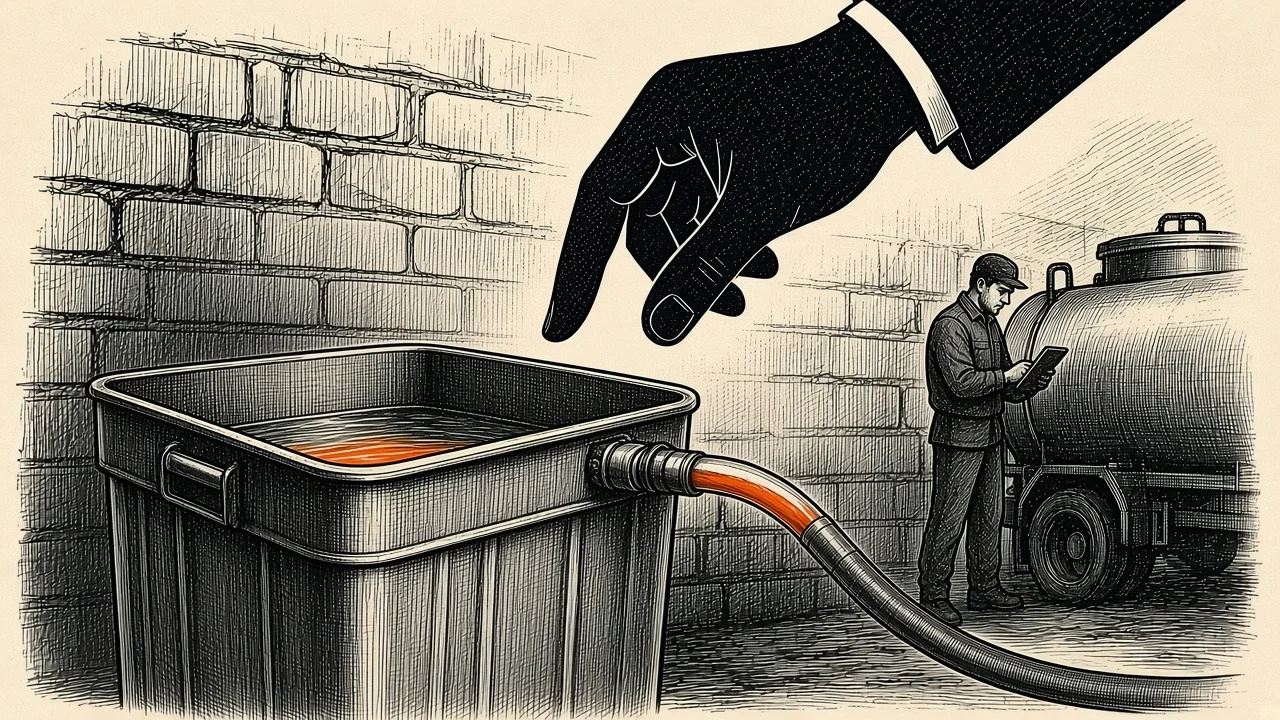
A UCO driver app is the field half of UCO collection software. The office builds and changes the day on a dispatch board. The driver runs it from the cab and sends back what actually happened at each stop.
Across the products we checked, the app handles these jobs:
- Stop order and navigation: the day's route, stop by stop, with directions.
- Site details: gate codes, access windows, container details and customer notes, so the driver is not calling the office from the alley.
- Gallons entry: the actual quantity collected, which feeds billing, rebates and the next visit's estimate.
- Proof: photos, a customer signature and driver notes attached to the stop.
- Exceptions: a dry, locked or skipped stop logged with a reason instead of left blank.
- Sync: completed stops flow back to the office, and route changes flow out to the truck.
Some apps go further. GreasePro USA's listing, for example, also covers truck unloads and tank inventory, fuel receipts, vehicle inspections and a time clock. If your team already uses separate tools for those, check whether you need them in the driver app at all.
Does UCO Collection Software Work Offline for Drivers?
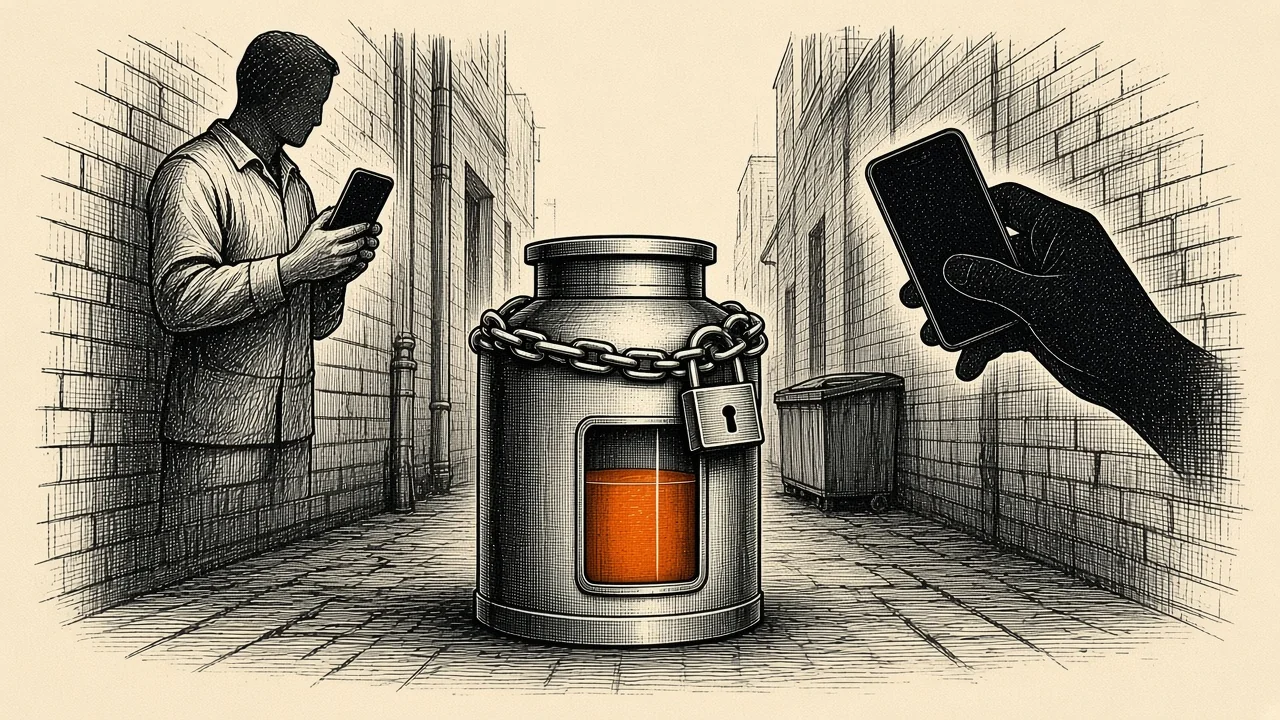
Some UCO driver apps work offline and some do not, so ask each vendor and test it yourself. An app that stores the route and the stop form on the phone can finish a stop in a dead zone and upload it later. A web form that needs a live connection cannot.
Offline matters on UCO routes because pickups sit behind restaurants, in basements, at loading docks and on rural roads where signal is weak. If the app needs signal to save, the gallons entry or photo can be lost when the driver moves on.
| Driver action | Works offline in a well-built app? | What happens when signal returns |
|---|---|---|
| Open the day's route | Yes, if it was downloaded before leaving the yard | Any route changes from dispatch arrive |
| Enter gallons and notes | Yes, with local storage | The entry uploads to the stop record |
| Take photos and capture a signature | Yes, with local storage | Photos and signature attach to the stop |
| Live traffic navigation | Usually not, unless maps were downloaded | Live routing resumes |
| Receive a new or moved stop | No | The change arrives on reconnect |
| Office sees live truck position | No | Position updates resume |
How to test a vendor's offline mode
- Load a test route on a phone, then turn off mobile data.
- Complete a dummy stop: enter gallons, take two photos, capture a signature and submit.
- Turn data back on and check the office record for the gallons, photos, signature and the original timestamp.
If the vendor's page does not say how offline works, ask for this test in the demo.
Can UCO Collection Software Generate Pickup Receipts?
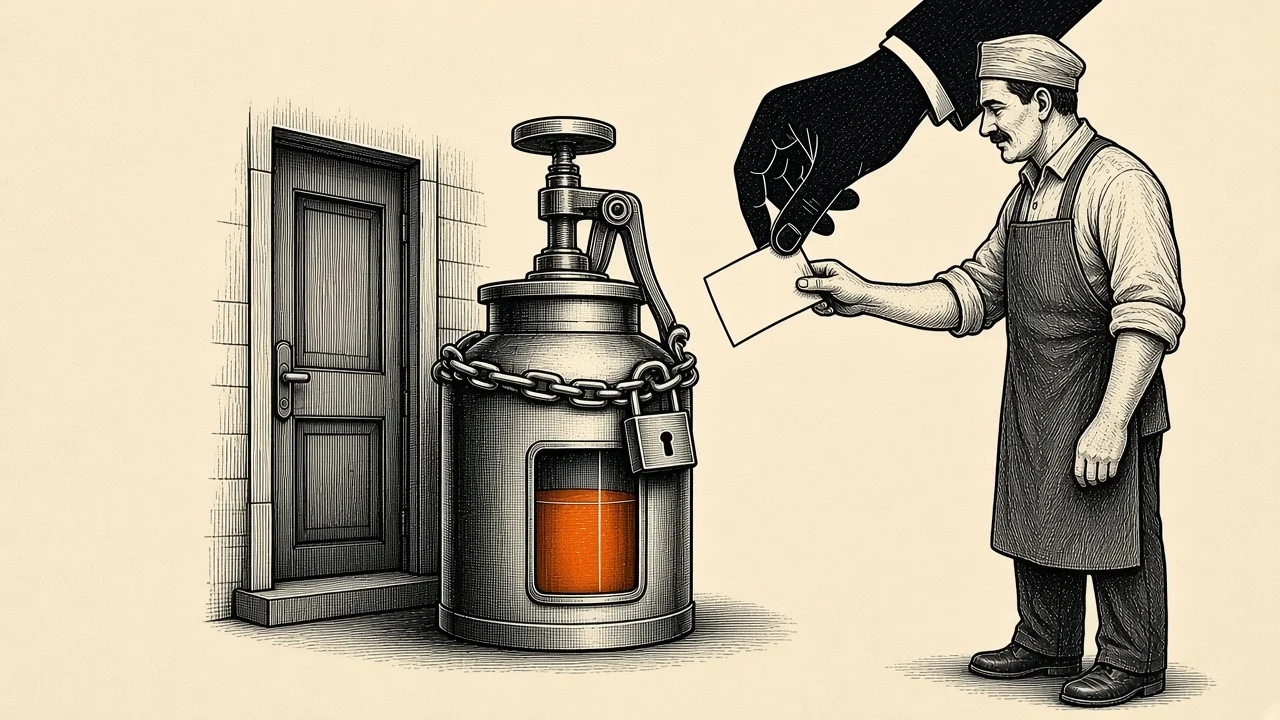
Yes, most UCO collection software creates the pickup record at the stop, and many apps turn it into a receipt or confirmation for the customer. The driver enters gallons and notes, the app adds the time and place, and the record is ready when the stop is submitted.
| Field on a pickup record | How common |
|---|---|
| Date and time | Standard |
| Account name and service address | Standard |
| Gallons collected | Standard |
| Driver name | Common |
| GPS location on photos | Common, vendor-dependent |
| Customer signature | Common, vendor-dependent |
| Photos | Common, vendor-dependent |
| Meter or ticket reference | Vendor-dependent |
Before you buy, ask for a sample export and line it up against what your processor, your restaurant contracts and your state ask for. Under 40 CFR 279.1, federal "used oil" means oil refined from crude oil or synthetic oil, so vegetable cooking oil falls under state and local rules instead. In California, for example, rendering and related licenses sit in Title 3 of the state's Code of Regulations, starting at section 1180. A receipt that meets one buyer's needs may not meet another's.
If gallons on the record drive rebates or disputes, our guide to UCO pickup weights and rebate records covers flowmeters, scales and how to prove the number.
What Is Geofenced Pickup Confirmation for Used Cooking Oil?
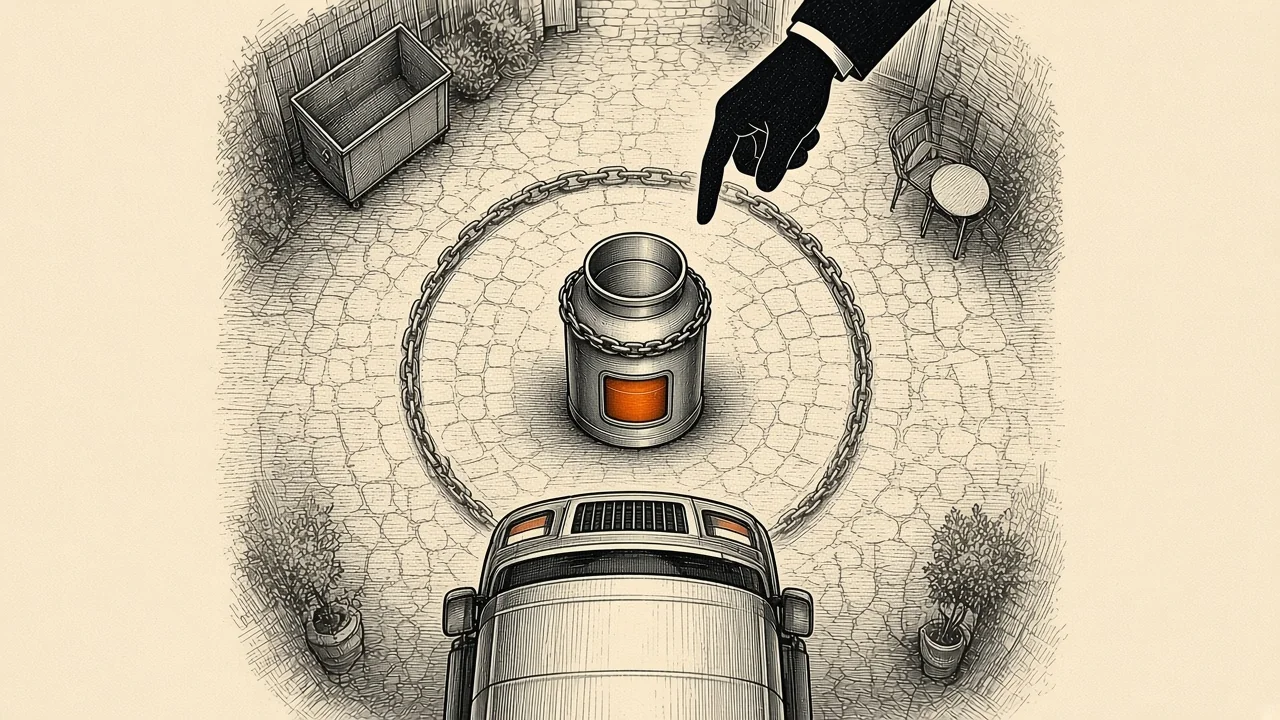
Geofenced pickup confirmation logs a truck's arrival when it enters a virtual boundary around the site. It is an extra arrival stamp, not a replacement for the pickup record.
- The record still decides: buyers and auditors look at gallons, time, place, photos and signature. A geofence adds "the truck was here".
- It helps with disputes: when a restaurant says nobody came, an arrival log plus a timestamped photo settles it faster.
- It is not standard: few UCO vendor pages describe geofencing, so ask whether it exists before you count on it.
- Geotagged photos do similar work: a photo stamped with time and location at the container proves the visit for most disputes.
How Does Photo Proof of Pickup Work in a UCO Driver App?
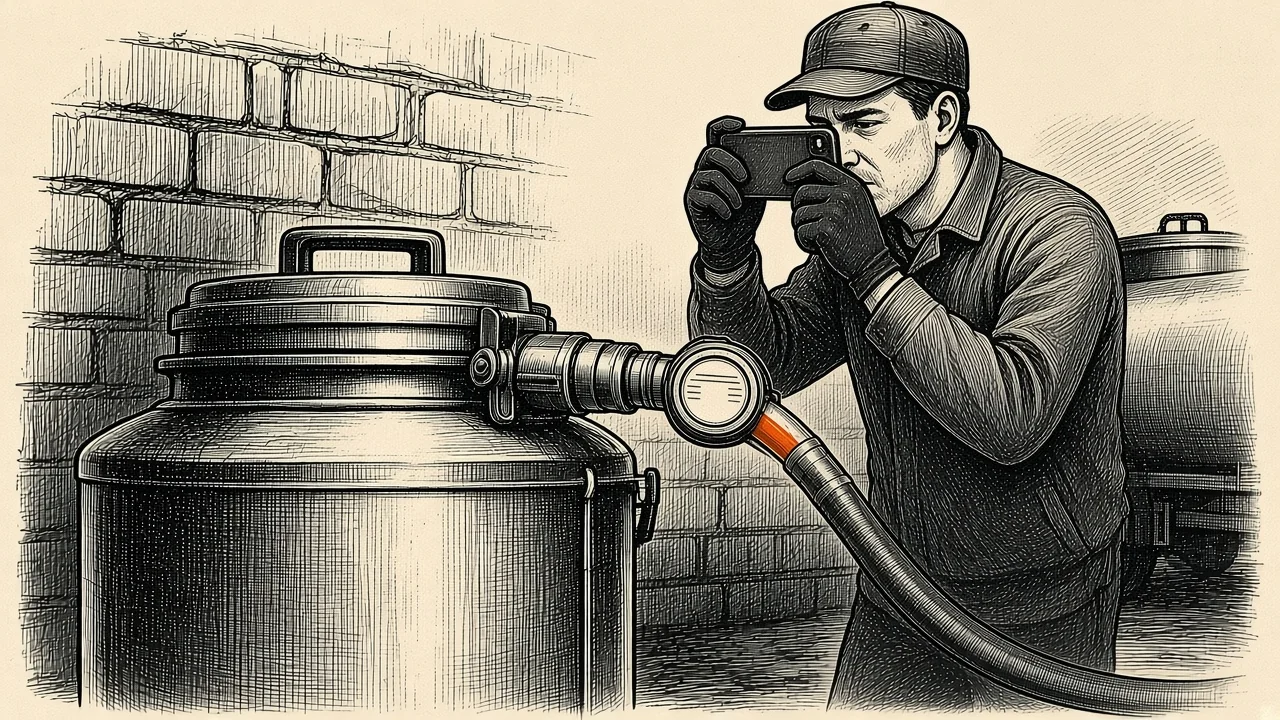
Photo proof is a step inside the stop: the driver enters gallons, takes photos with the app's camera, and submits. The photo carries its own time and location stamp, which is what makes it proof.
What each photo should show:
- The meter or gauge reading that backs up the gallons entered.
- The container ID or tag, so the photo ties to the right container.
- Enough of the site to show where the container sits.
- The closed lid after pumping, which also helps with theft questions.
When a stop comes back light, the photos are where the office starts. Compare the meter shot with the logged gallons, check the container's history, and look for a pattern. Our guide to used cooking oil theft shows how to spot it in route data, and container tracking covers keeping each container's custody history in one record.
What a missing photo costs: a worked example
This example is illustrative. A driver closes a stop without the meter photo, and the restaurant later disputes the gallons. The office sends a truck back to re-check the container, 6 miles each way.
- Miles: 12 miles round trip.
- Cost: ATRI's 2025 operating cost averaged $2.336 per mile, so 12 × $2.336 = about $28.
- Fuel inside that cost: at 6 miles per gallon the trip burns 2 gallons. At the EIA's U.S. on-highway diesel average of $6.292 for the week of November 2, 2026, that is about $12.58.
ATRI's figure is an average across trucking, not a UCO-specific number, so treat $28 as a rough floor. It also leaves out the stop the truck could have made instead. A required photo field that blocks "submit" costs nothing by comparison.
Do Logged Gallons Change the Truck's Plan?
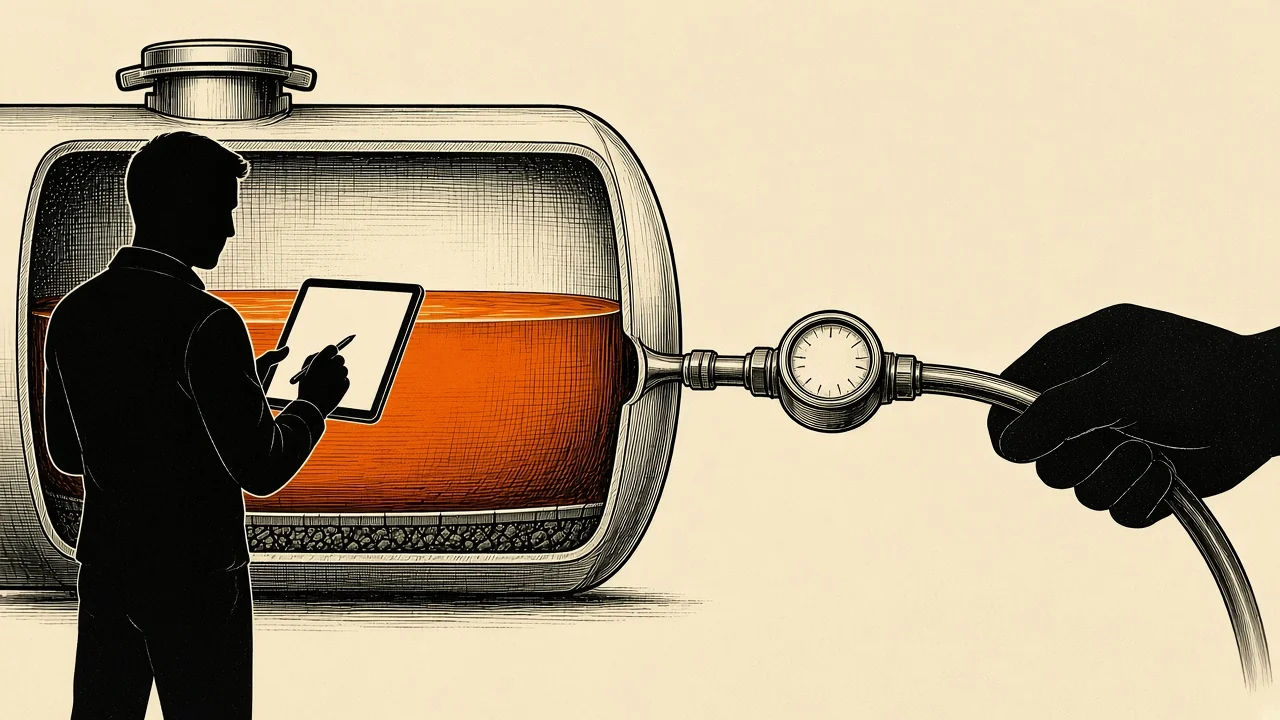
They should, because every gallon a driver logs is also load in the truck's tank. Most driver apps record the stop and stop there. Capacity-based software uses the entry to update how much room the truck has left.
Using 7.5 lb per gallon as a planning weight, a 150-gallon stop adds about 1,125 lb, and a truck holding 1,600 gallons carries about 12,000 lb of oil. Check the weight against your own scale tickets before you rely on it.
When actual gallons run higher or lower than expected, the dispatcher needs to see it while the day can still change. That might mean moving a stop to another truck, adding a return to the offload site earlier, or spacing the next visit differently. Our guides on how many stops per day a UCO truck can make and scheduling pickups by fill cycle go deeper on both.
How to Compare UCO Driver Apps
Almost every purpose-built product has a driver app, so compare what happens around it. Ask these questions in every demo:
| Question | Why it matters |
|---|---|
| Does the app finish a stop with no signal, and does the timestamp survive sync? | Dead zones are common at pickup sites |
| Can you make gallons, photo and signature required before "submit"? | Missing proof costs a second visit |
| Can the driver log a dry or skipped stop with a reason? | Blank stops hide theft and bad estimates |
| Do logged gallons update the truck's remaining capacity? | The offload return should move with the real load |
| What does the pickup export contain? | Your processor and state decide what counts |
| How is pricing billed: per user, per account or flat? | Cost changes as you add drivers or restaurants |
Other UCO and grease tools with a driver app
Each entry below uses what the vendor's own page or app listing said on November 6, 2026.
- Route Simplified (Reiter Software): built for UCO and grease trap routing, with fill rate tracking and RIN/LCFS credit validation. Its pricing page quotes a COO describing "the drivers portal". Offline use is not stated. Local plan: $100 per month plus $1 per account for up to 500 UCO accounts. There is a one-month free trial and 30-day written notice to cancel.
- GreasePro USA: a driver and field app for UCO haulers on the GreasePro USA platform. Its Play Store listing covers routes and navigation, a step-by-step pickup flow (gallons, photos, customer signature), automatic pickup receipts, truck unloads and tank inventory, and optional live location. Offline use is not stated, and the listing shows no pricing.
- PumpDocket: built for septic, grease trap and portable restroom companies, not UCO. Its homepage lists an "Offline Field App" and job closeout from any phone. Intro pricing is $99, $230 and $454 per month (standard $139, $329 and $649), with no per-user fees.
For a ranked comparison, see our best used cooking oil collection software guide.
What Does the DynoRoute Driver App Do?
DynoRoute's driver app gives the driver the stop order, navigation, gate codes, container details, customer notes and the required job form. At the site, the driver captures the actual quantity, photos, signature, container condition and any exception.
- Custom job forms for actual quantity, container condition, contamination notes, meter or ticket references and exceptions.
- Timestamped, geotagged photos, signatures and driver notes, attached to the customer, job, visit and container record.
- Failed and skipped stops logged with a reason, visible to dispatch as they happen.
- Offline route work that syncs when the driver is back in range.
- Route updates from dispatch pushed to the app, without a separate group text.
On the office side, the dispatcher sets each truck's capacity in gallons, pounds, or the unit your operation uses, and can re-plan the remaining work when actual gallons or an urgent pickup changes the day. The office gets proof-of-collection reports with quantities, photos, timestamps and signatures, plus a completion confirmation for the customer.
DynoRoute does not generate jurisdiction-specific manifest forms and is not a native RIN or LCFS provenance product. It keeps the operational record and can share it through integrations, APIs and webhooks. Plans are flat monthly with usage credits, month-to-month, with no setup fee and no per-seat fees. See the used cooking oil software page for the full workflow, or read how dispatching UCO collection trucks works from the board.
Frequently Asked Questions
Does UCO collection software include a driver app?
Most UCO collection software includes a driver app for phones or tablets, paired with a web board for the office. The app covers stop order, gallons entry, photos, signatures and sync. Check offline support and receipt fields per vendor, because those vary most.
Does UCO collection software work offline for drivers?
Some apps do and some do not. PumpDocket and DynoRoute state offline field work, while GreasePro USA's listing and Route Simplified's site do not mention it. Test it by turning off mobile data, completing a stop, and checking the office record after reconnecting.
Can UCO collection software generate pickup receipts?
Yes, most create the pickup record at the stop with gallons, time, place and often photos and a signature. GreasePro USA's listing says receipts are generated automatically. Ask for a sample export and compare it with what your processor and state require.
What is geofenced pickup confirmation for used cooking oil?
It is an automatic arrival stamp logged when a truck enters a virtual boundary around the site. It supports the pickup record but does not replace it. Few UCO vendors describe it, so a timestamped, geotagged photo is the more common proof.
How does photo proof of pickup work in a UCO driver app?
The driver takes photos with the app's camera before submitting the stop, and each photo carries a time and location stamp. Good photos show the meter or gauge, the container ID and the closed lid. Making the photo required before submit prevents a costly second visit.
How much does UCO collection software with a driver app cost?
Prices checked November 6, 2026: Route Simplified's Local plan is $100 per month plus $1 per account, and PumpDocket's intro plans run $99 to $454 per month with no per-user fees. GreasePro USA does not list pricing in its app listing. DynoRoute uses flat monthly plans with usage credits and no per-seat fees, quoted on a 30-minute intro call.
How long does it take to get drivers using a new app?
Most of the setup is office work: importing customers, setting trucks and capacity, and choosing what drivers must capture at each stop. DynoRoute supports CSV and Excel imports and can be live in days. Start with one real route, then add the rest once the workflow holds.
Book a 30-Minute Intro Call
Bring one real route, your truck capacities and the fields your processor asks for. We will walk through how the driver app, the dispatch board and the pickup record fit your day. Book a 30-minute intro call.