The must-have grease trap pumping software features are capacity-aware routing with disposal stops, per-trap recurring scheduling, overdue alerts and customer reminders, FOG manifests and service records, trap-level history, an offline driver app, a live dispatch board, and invoicing that syncs to accounting. If you can test only one in a demo, test the first: a full truck ends the route no matter how short the next drive is. Below, each feature comes with what to check and which tools have it, as their own websites said on November 5, 2026.
Disclosure: we build DynoRoute, one of the tools in the comparison table.
Key Takeaways
- Capacity is the feature generic tools miss. Only some grease tools plan routes by gallons and put the disposal trip on the route. DynoRoute, Tank Track, RouteHouse and FieldCamp say they do.
- Intervals come from the sewer authority. Butler County, Ohio requires grease interceptors to be pumped at least every 90 days and grease traps cleaned monthly, so the software must hold an interval per trap.
- Records are a legal requirement, not a nice extra. Butler County requires food service establishments to keep FOG records for 3 years, and Kennedale, Texas fines up to $2,000 per violation per day for failing to clean and maintain a trap.
- Check the plan, not just the product. PumpDocket puts recurring scheduling and FOG manifests on its Team plan ($329 a month list, $230 on its intro offer), not on Starter.
- Nice-to-haves can wait. AI call answering, IoT sensors and municipal portals help some fleets, but none replaces the eight core features.
What Grease Trap Pumping Software Actually Is (and What It Is Not)
Grease trap pumping software is the operating system for a FOG (fats, oils and grease) hauling company. It stores every restaurant, trap and interceptor with its service interval. It turns due accounts into routes that fit each vacuum truck, dispatches drivers, records each pump-out, and bills the customer. The difference from general field service software is the truck and the trap: the truck fills up as it works, and each trap carries its own legal interval and record.
Those intervals exist because grease clogs sewers. The EPA's food service pretreatment fact sheet cites its Report to Congress finding that grease is the most common cause (47%) of reported sewer blockages. That is why cities set pump-out schedules and ask for records, and why your software has to track both.
What it is not:
- Not municipal FOG-program software. Tools built for cities track restaurants' compliance for inspectors. A pumping company feeds them data but doesn't run trucks on them.
- Not a delivery route planner. Delivery tools assume the vehicle can always take the next stop. A pump truck can't.
- Not a calendar with reminders. A calendar shows appointments. Pumping software creates them from intervals and flags the ones that slipped.
How We Chose These Features
We picked the eight features from what the regulations require and what the vendors in this market build. Each one had to meet at least one of these tests:
- A rule requires it: an interval, record or retention period set by a sewer authority (Butler County, Kennedale) or the EPA's pretreatment program.
- The truck requires it: it changes whether a vacuum truck can finish its route (tank capacity, disposal trips).
- Most grease-specific vendors build it: at least three of DynoRoute, Tank Track, ServiceCore, PumpDocket, Essential and RouteHouse describe it on their own pages.
- It removes re-keying: it moves data from the truck to the office or the invoice without typing it twice.
Vendor details come only from each vendor's own website, checked November 5, 2026.
The 8 Must-Have Grease Trap Pumping Software Features
The first three features keep the trucks and the calendar working. The next three keep you compliant. The last two keep the office and the money moving.
1. Capacity-aware routing with disposal stops
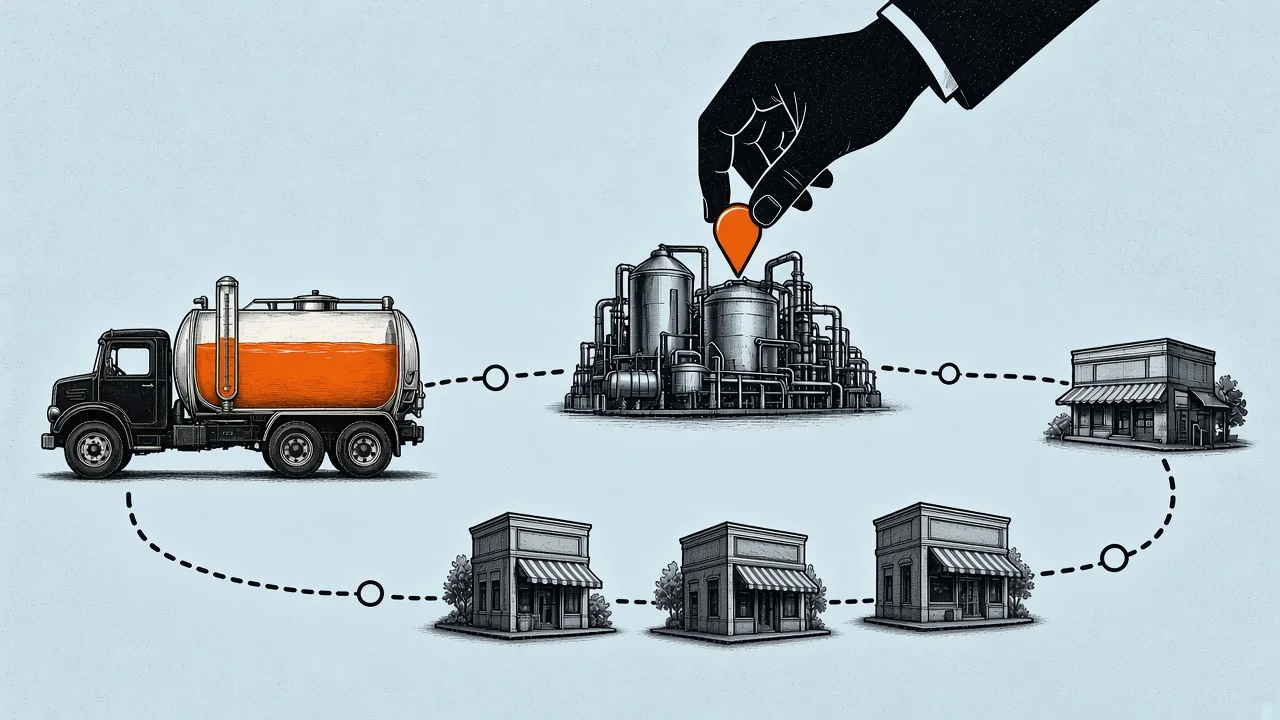
The software adds up expected gallons stop by stop against each truck's tank, as DynoRoute's grease trap software page describes for capacity limits and receiving-site returns. It puts the trip to the receiving site into the route before the truck is full, then continues the route from the disposal site instead of the yard.
- Why it matters: a route can be short on miles and still fail at stop five because the truck is full. An unplanned dump run costs an hour and often a customer.
- What to check in a demo: give the vendor one real day with expected gallons per stop and your receiving site's hours. Watch where the dump run lands.
- Who has it: DynoRoute (capacity limits by truck, multiple trips and receiving-site returns), Tank Track (dispatch "accounts for truck capacity" and adds waste stops), RouteHouse and FieldCamp. For how this works, see how to plan grease trap pumping routes.
2. Recurring scheduling per trap
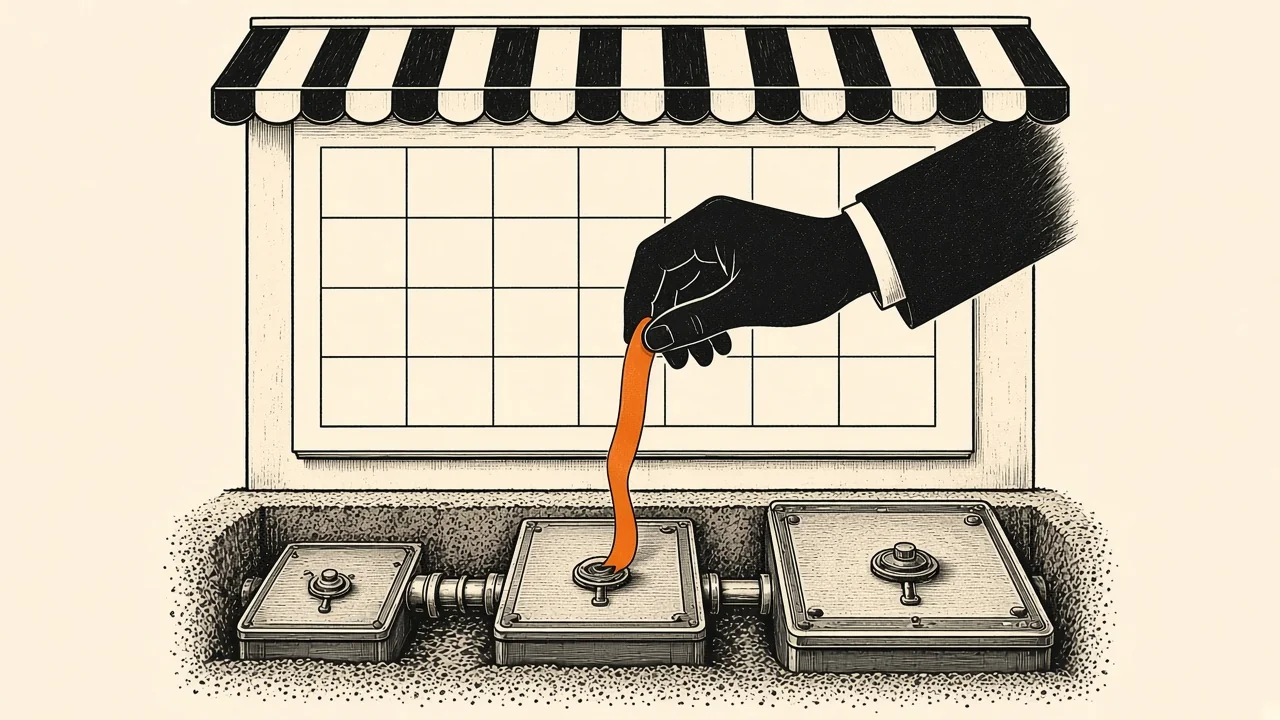
Each trap or interceptor carries its own interval (monthly, every 90 days, or custom), and the next visit is created automatically.
- Why it matters: one restaurant can have a monthly indoor trap and a 90-day outdoor interceptor. Intervals set per customer mix them up, and the cost of a slip is real: Kennedale, Texas requires a full pump-out at least every 90 days and fines up to $2,000 per violation per day.
- What to check in a demo: ask what happens to the next due date when a trap is pumped a week early or late. Essential says its due dates "auto-update based on completed work."
- Who has it: DynoRoute (weekly, biweekly, monthly, quarterly or custom), Essential, RouteHouse (cadence or the jurisdiction's mandated interval set once per trap), ServiceCore, Tank Track and PumpDocket (Team plan and up). For setting intervals, see grease trap cleaning frequency.
3. Overdue alerts and customer reminders

The office sees due, unscheduled and overdue work at a glance, and customers get reminders before the truck arrives.
- Why it matters: when a trap slips past due, the city often tells the restaurant before you do.
- What to check in a demo: ask to see this week's overdue list and the text a customer receives.
- Who has it: DynoRoute (due, unscheduled and overdue work visible to dispatch, plus SMS and email workflows), Tank Track (service-due reminders by text and email), ServiceCore (one-click reminders for overdue accounts), Essential, PumpDocket (Team) and RouteHouse.
4. FOG manifests and service records
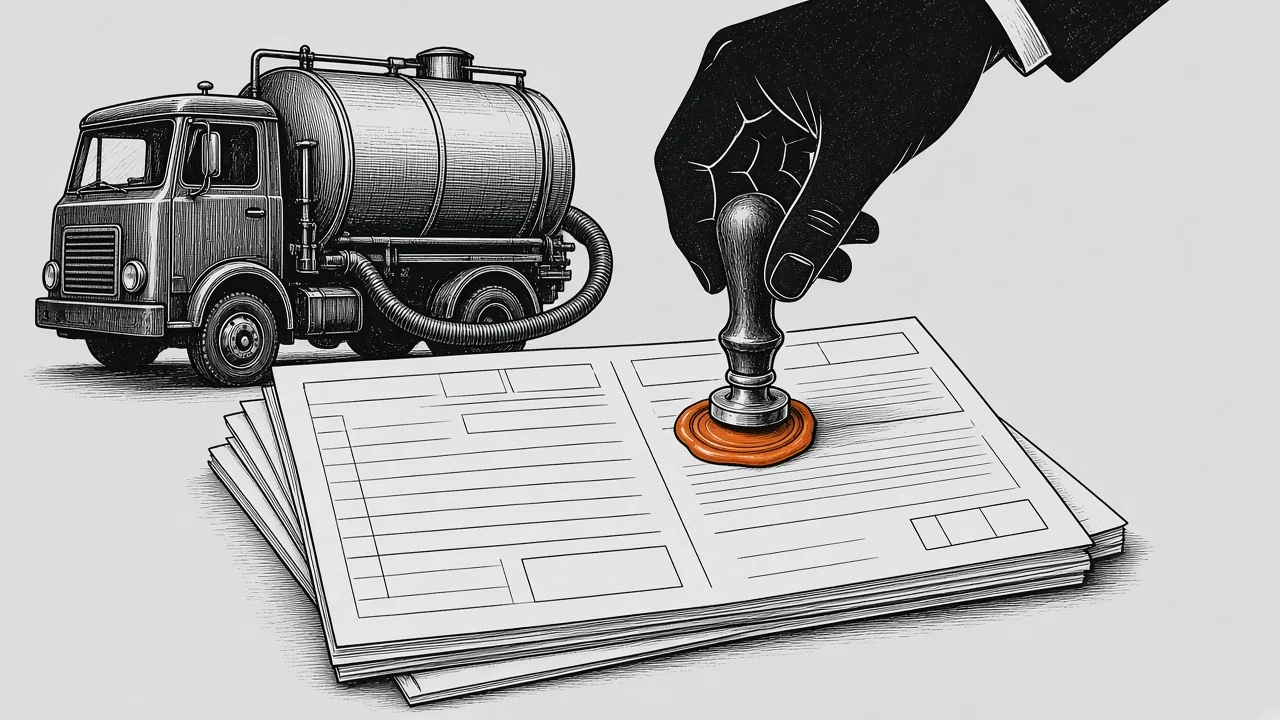
Every pump-out produces a record of the date, gallons, trap condition, disposal site and signatures, in the format your jurisdiction asks for.
- Why it matters: the Butler County, Ohio FOG control rule requires documentation of each interceptor cleaning to be submitted to the county, and manifests and records to be kept for at least 3 years. Missing paperwork is a problem even when the trap was pumped.
- What to check in a demo: bring your city's manifest or trip ticket and ask the vendor to produce it from a completed job.
- Who has it: ServiceCore and Tank Track generate manifests automatically, RouteHouse prints a manifest for every load, PumpDocket includes FOG manifests and 50-state regulatory profiles on Team, and Essential builds records with a custom form builder. DynoRoute captures gallons, disposal details and signatures and produces reports you configure per jurisdiction. See grease trap manifest requirements.
5. Trap-level history and 25% rule readings
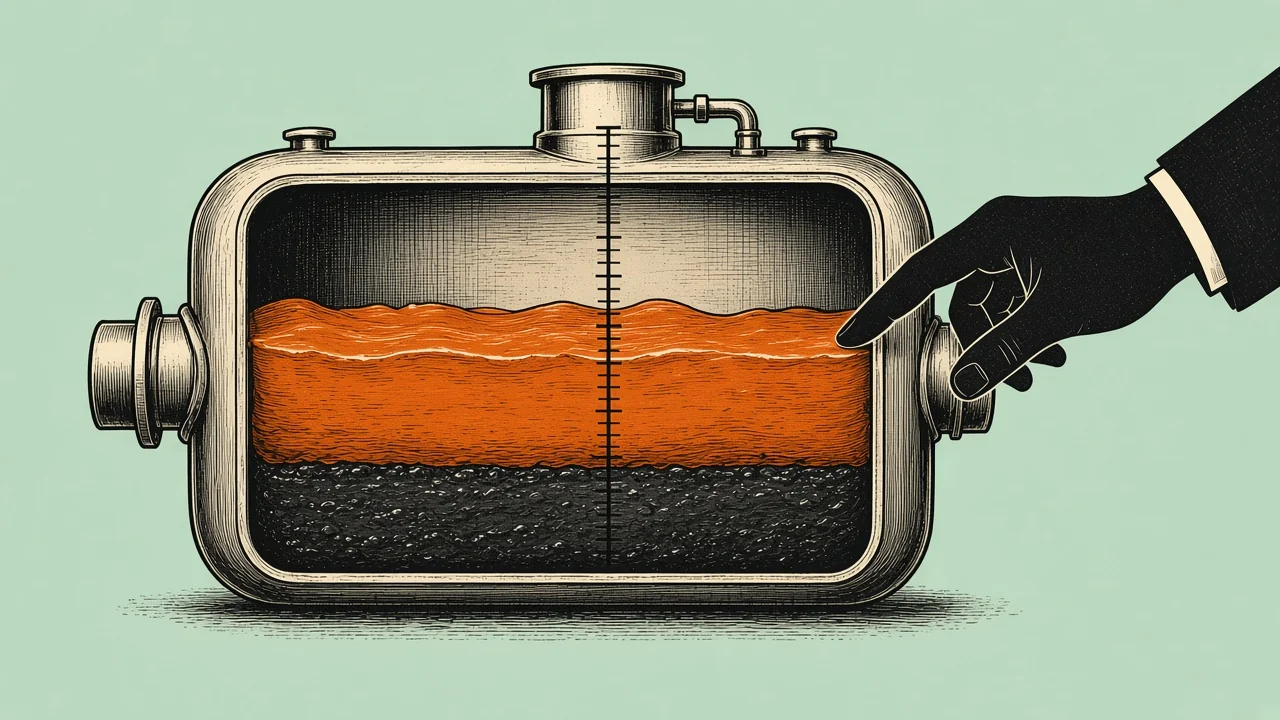
Gallons, grease and solids depth, and condition are stored per trap, not just per customer.
- Why it matters: history per trap shows which interceptor at a multi-site account fills faster, so you can tighten its interval before it fails the 25% rule.
- What to check in a demo: open a restaurant with two traps and ask for each trap's last three pump-outs.
- Who has it: RouteHouse (computes the FOG percentage and flags traps over 25%), Essential (logs grease and solids depth), DynoRoute (custom trap fields on site records) and PumpDocket. See servicing multi-trap locations.
6. Offline driver app with field capture
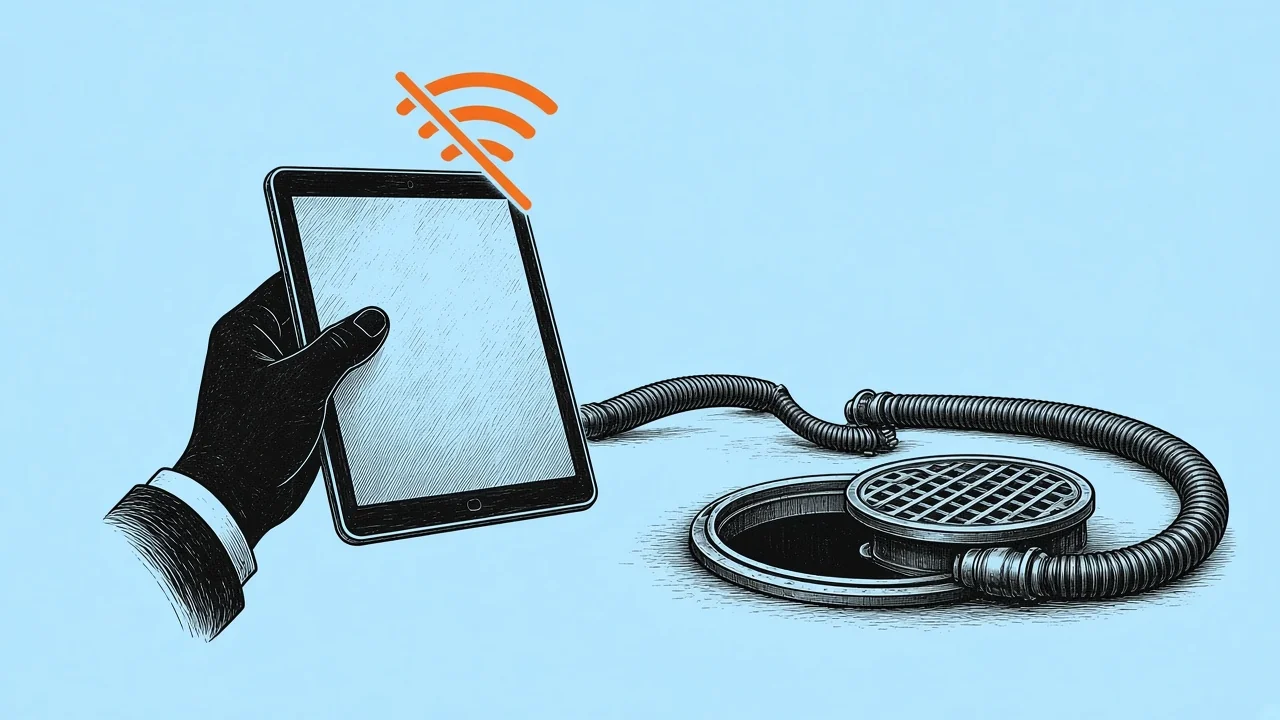
Drivers see the route and site notes, record gallons, photos, signatures and disposal details at the stop, and keep working without a signal.
- Why it matters: basements, rural stops and loading docks lose signal, and a record typed up at 6 p.m. is a weaker record.
- What to check in a demo: put the phone in airplane mode, close a stop, then reconnect and check the office record.
- Who has it: DynoRoute (offline completion with later sync), PumpDocket (offline field app), RouteHouse (works offline). ServiceCore's app gives turn-by-turn directions and time-stamped photos.
7. Live dispatch board
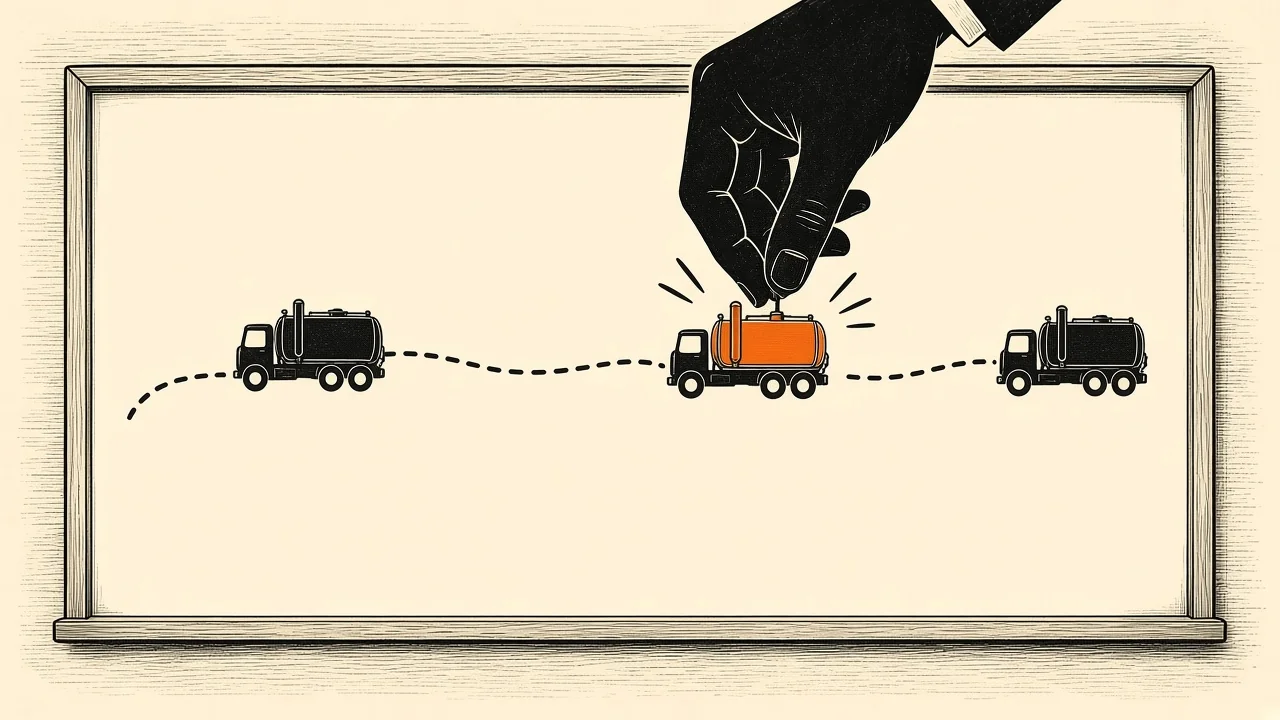
One board shows every truck, driver and job, and lets the dispatcher move work when a truck breaks down or an emergency call lands.
- Why it matters: emergency pump-outs pay well but break the day. The right truck is the one that is close and still has tank room.
- What to check in a demo: add an emergency call at 1 p.m. and see which truck the software suggests and why.
- Who has it: DynoRoute (live map and timeline, AI suggestions with a confidence score that the dispatcher approves), FieldCamp (Auto or Assist mode), ServiceCore (one-click route optimization with real-time progress) and PumpDocket (dispatch board with live status).
8. Invoicing with accounting sync
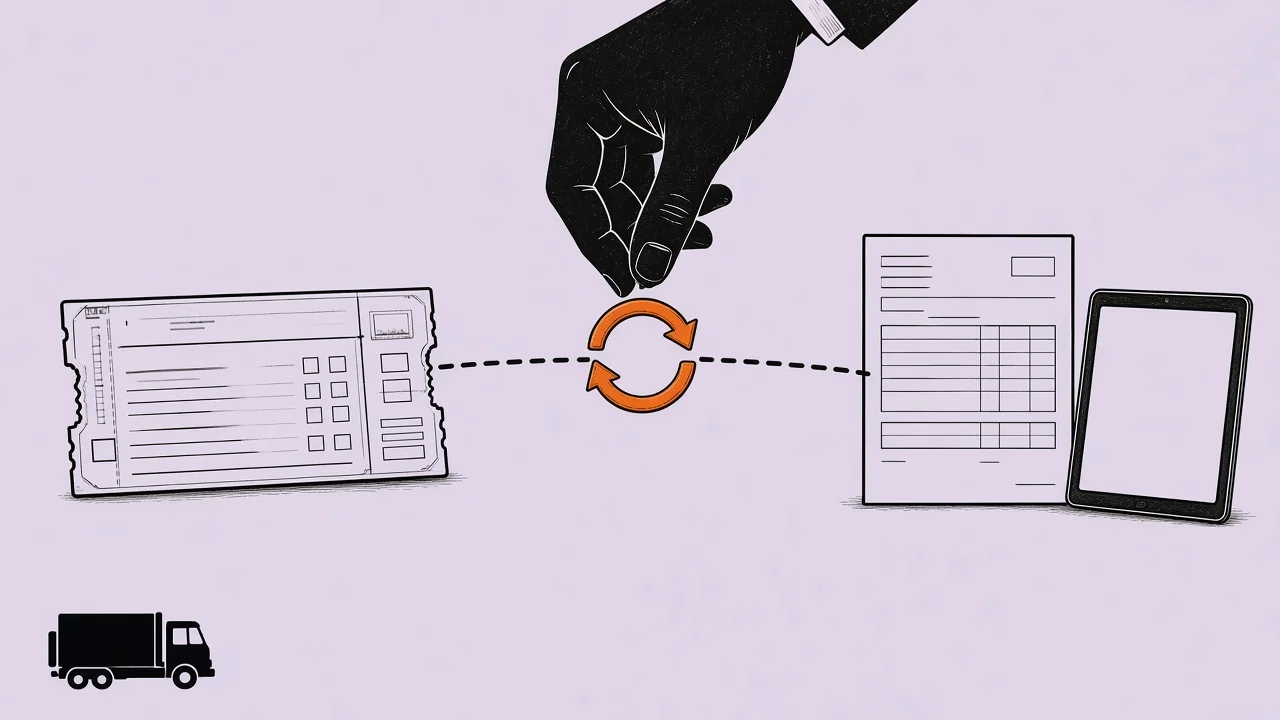
Completed jobs become draft invoices with the gallons and service lines already filled in, then sync to your accounting software.
- Why it matters: re-typing field tickets into QuickBooks is where gallons and charges go missing.
- What to check in a demo: close a job on the phone and look for the invoice in the office view before the truck leaves.
- Who has it: DynoRoute (QuickBooks invoice and payment sync), ServiceCore (QuickBooks Online and Desktop), Tank Track, PumpDocket (Team) and Essential (QuickBooks, Xero, NetSuite and more).
Which Tools Have Which Features
Each cell reflects what the vendor's own website says on November 5, 2026. "Not stated" means we couldn't find it on their pages, not that the feature is missing.
| Feature | DynoRoute | Tank Track | ServiceCore | PumpDocket | Essential | RouteHouse |
|---|---|---|---|---|---|---|
| Capacity routing with disposal stops | Yes | Yes | Not stated | Not described (sequencing) | No (traffic-aware) | Yes |
| Recurring per-trap scheduling | Yes | Yes | Yes | Team and up | Yes, resets on completion | Yes, per trap |
| Overdue alerts and reminders | Yes | Yes | Yes | Team and up | Yes | Yes |
| FOG manifests | Data and configurable reports | Yes, automatic | Yes, automatic | Team and up | Custom form builder | Yes, per load |
| Trap-level history | Custom trap fields | Not stated | Not stated | Yes | Yes | Yes, with 25% rule |
| Offline driver app | Yes | Not stated | Not stated | Yes | Not stated | Yes |
| Live dispatch board | Yes, with AI suggestions | Yes | Yes | Yes | Yes | Lighter |
| Accounting sync | QuickBooks | QuickBooks | QuickBooks | QuickBooks (Team) | QuickBooks, Xero, more | Not stated |
| Price, 3 trucks, list | Quote | $480 a month | Quote, annual contract | $329 Team ($230 intro) | Quote, per technician | $447 (Growth, billed annually) |
General field service tools like Jobber (from $29 a month) and Housecall Pro (from $59 a month, billed annually) cover booking, scheduling and invoicing, but their pricing pages don't describe tank capacity, disposal stops or FOG manifests. For a ranked comparison, see our best grease trap software list.
Which Features Matter Most for Your Operation
| Your operation | What breaks your day | Features to test first | Nice-to-have later |
|---|---|---|---|
| 2+ trucks that fill mid-route | Unplanned dump runs | 1. Capacity routing, 7. Live dispatch | AI dispatch suggestions |
| Hundreds of restaurant accounts | Due dates slipping | 2. Per-trap scheduling, 3. Reminders | Customer portal |
| Strict city FOG program | Paperwork and audits | 4. Manifests, 5. Trap history | Municipal portal uploads |
| Rural or basement-heavy routes | Lost signal at the stop | 6. Offline driver app | Turn-by-turn navigation |
| Small shop, one office person | Friday paperwork pile | 8. Invoicing sync, 6. Driver app | AI call answering |
Nice-to-haves that can wait: AI call answering (QuoteIQ and RouteHouse offer it), IoT trap-level sensors, AI risk scoring and direct uploads to municipal portals. They help in some markets, but none of them plans the truck or keeps the record.
What Capacity-Aware Routing Looks Like: A Worked Example
This example is illustrative, not a customer route. A 4,000-gallon vacuum truck is planned to unload at 3,200 gallons, which keeps an 800-gallon buffer for a trap that pumps heavier than its history.
| Stop | Expected gallons | Load after stop | What the planner does |
|---|---|---|---|
| 1 (interceptor) | 900 | 900 | Continue |
| 2 | 700 | 1,600 | Continue |
| 3 | 1,100 | 2,700 | Continue |
| Next: stop 4 | 600 | Would reach 3,300 | Insert the disposal trip first |
| Receiving site | Unload | 0 | Route continues from here, not the yard |
| 4 | 600 | 600 | Continue |
| 5 | 800 | 1,400 | Continue |
| 6 | 500 | 1,900 | Day ends with room to spare |
Without the capacity check, the truck arrives at stop 4 with 1,300 gallons of room for a 600-gallon pump, which looks fine. But a heavier-than-usual trap at stop 3 would have left it short, and the dispatcher would be re-sorting the afternoon by phone. Trap sizes drive these numbers, so see grease trap sizes and capacities and where grease trap waste goes.
Frequently Asked Questions
What are the must-have features in grease trap pumping software?
The eight must-haves are capacity-aware routing with disposal stops, per-trap recurring scheduling, overdue alerts and reminders, FOG manifests and service records, trap-level history, an offline driver app, a live dispatch board, and invoicing with accounting sync. The first is the one general field service tools usually lack.
How much does grease trap pumping software cost?
At published list prices on November 5, 2026, a 3-truck fleet pays $480 a month for Tank Track, $447 for RouteHouse Growth (billed annually) and $329 for PumpDocket Team ($230 on its intro offer). DynoRoute, ServiceCore and Essential price by quote, and ServiceCore bills on an annual contract.
Does grease trap software generate FOG manifests?
Many do. ServiceCore and Tank Track generate them automatically, RouteHouse prints one per load, and PumpDocket includes them on its Team plan. DynoRoute captures the gallons, disposal details and signatures and produces reports you configure for each jurisdiction.
What feature do general field service tools like Jobber lack for grease trap work?
They don't plan routes by tank capacity or add disposal stops, and they don't track per-trap intervals or produce FOG manifests. They handle booking, scheduling and invoicing well, so they suit companies where grease is a side line.
How long do grease trap service records need to be kept?
It depends on the sewer authority. Butler County, Ohio requires FOG records to be kept for 3 years, so check your local rule and make sure the software can store and export records that long.
How long does it take to switch to grease trap pumping software?
PumpDocket says you can go live in one day, Tank Track imports your data for free and trains you in 1 to 4 live sessions, and DynoRoute says live in days. ServiceCore says onboarding typically takes 6 to 12 weeks.
Test These Features on Your Own Routes With DynoRoute
Still deciding whether you need software at all? Read is grease trap pumping software worth it for the ROI math. The fastest way to judge any of these features is one real day of your own stops. Bring your trucks' tank sizes, your due accounts and your receiving site. We'll talk through how DynoRoute would plan that day and what your plan would cost. There's no setup fee and no per-seat fee, and plans are month-to-month. Book a 30-minute intro call or see DynoRoute's grease trap features.